The File Encryption Software
Home > Products > Screenshots / How to > Scramble Text Messages
How to scramble text messages
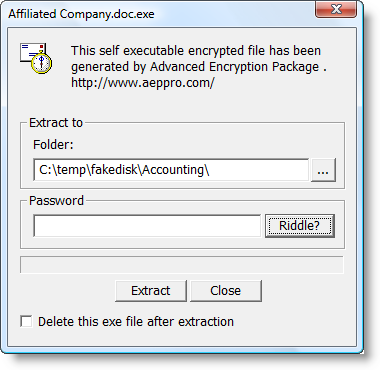
AEP PRO has special text encryption tool. Its icon is located in the tray notification area and the program is ready to encrypt text in clipboard.
For example, we want to sent protected block of text via our favorite email program.
Our confidential text begins after words: ".. about flowers..."
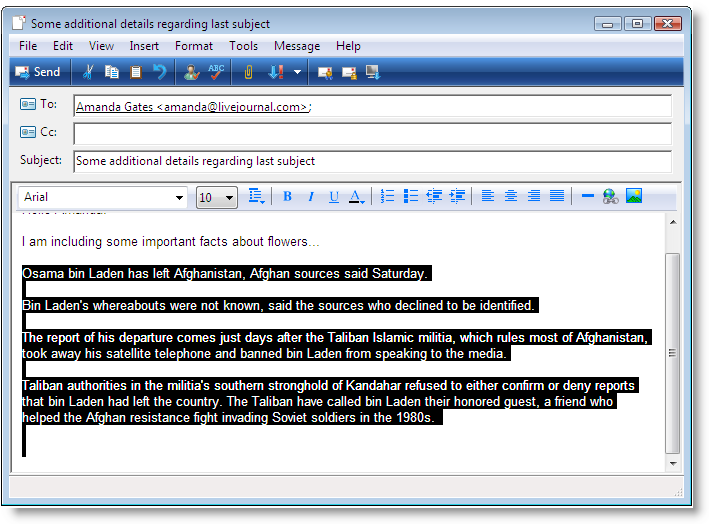
The confidential text is selected and copied to the Windows Clipboard by pressing Ctrl-C.
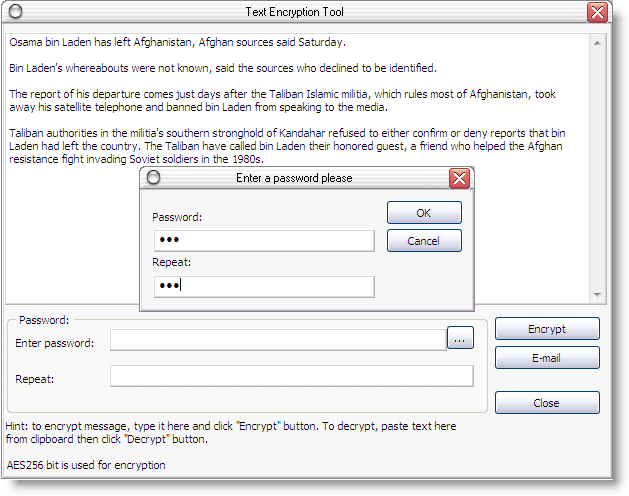
And then we encrypt the selected text, using AEPPRO's Clipboard Encryptor.
It is launched by pressing Ctrl-F12 hot key (the hot key can be changed).
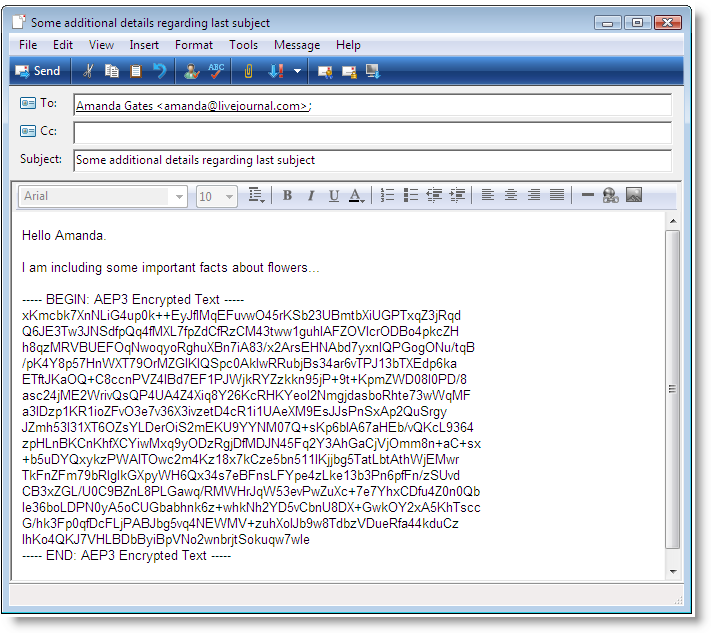
Now replace selected text by scrambled version by inserting encrypted text from clipboard by pressing Ctrl-V.
Self Defence Package
3 product bundle (CD Encryption + USB Encryption + File Encryption + Drive Encryption) at a special price
Subscribe to our Newsletter.
Get notified about new products releases, new significant updates of existing products. Be first to know about short season's discounts and special offers.
"Compatible with Windows® 10" software

Great tool to help make things just a little easier
Advanced Encryption Package Professional is a tool that can ease some of the pain of working with encrypted messages and files.


TopTenREVIEWS has awarded AEP PRO by Silver award!