Christmas and New Year Savings!
Get 25% discount on AEP PRO until January 10, 2013.
Home > Products > Crypt4Free > News & Updates > Released Crypt4Free 5.1.0
In this version we've added very handy feature - ability to directly edit encrypted document in single mouse click.
For example, we have the following encrypted document (it is usual document in RTF format):
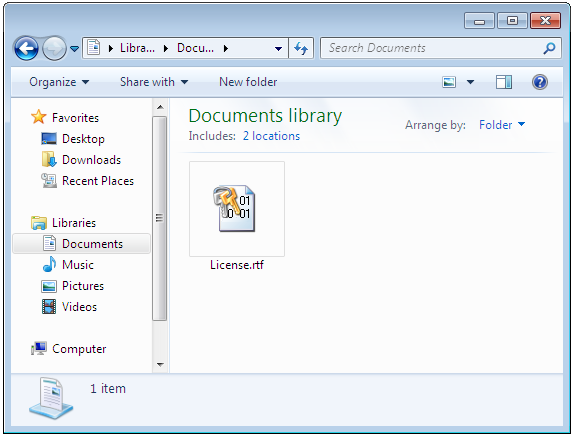
Firstly, we double click License.rtf document.
Crypt4Free was already installed on this system and it intercepts the attempt to double click the encrypted file and displays the following password window:
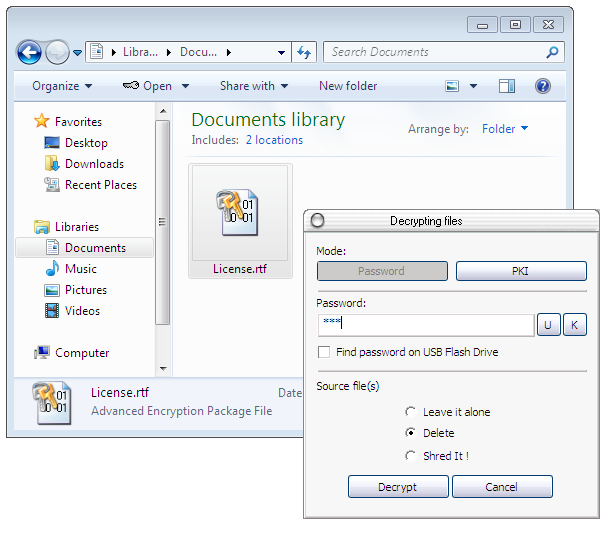
We enter right password, choose the destiny of encrypted file as "Delete" (encrypted file will be deleted automatically after successful decryption) and click OK button.
If password is correct, the decrypted document will be opened in associated application automatically (in our case it is WordPad):
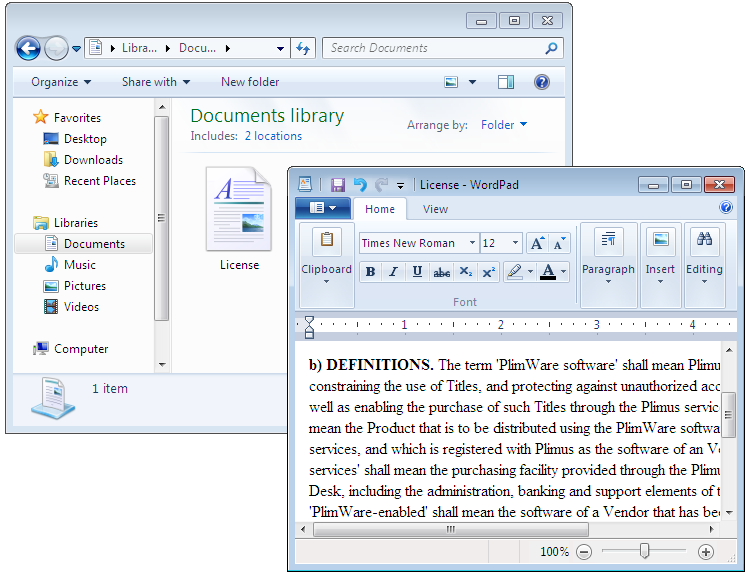
We make changes in this document, then close the Windows 7's WordPad document.
Crypt4Free detects this situation and asks us - would we like to reencrypt the changed document using the same password? We click yes.
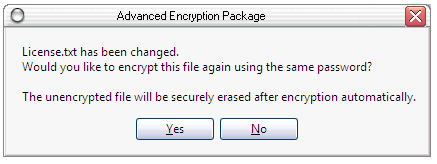
And the document is reencrypted:
In this version version, we've also made several minor interface enhancements. For example, when any file is decrypted from shell context menu, the text cursor is set to the password text field firstly.
Self Defence Package
3 product bundle (CD Encryption + USB Encryption + File Encryption + Drive Encryption) at a special price
Subscribe to our Newsletter.
Get notified about new products releases, new significant updates of existing products. Be first to know about short season's discounts and special offers.